Video
A YouTube or Vimeo video behind a click-to-load poster.
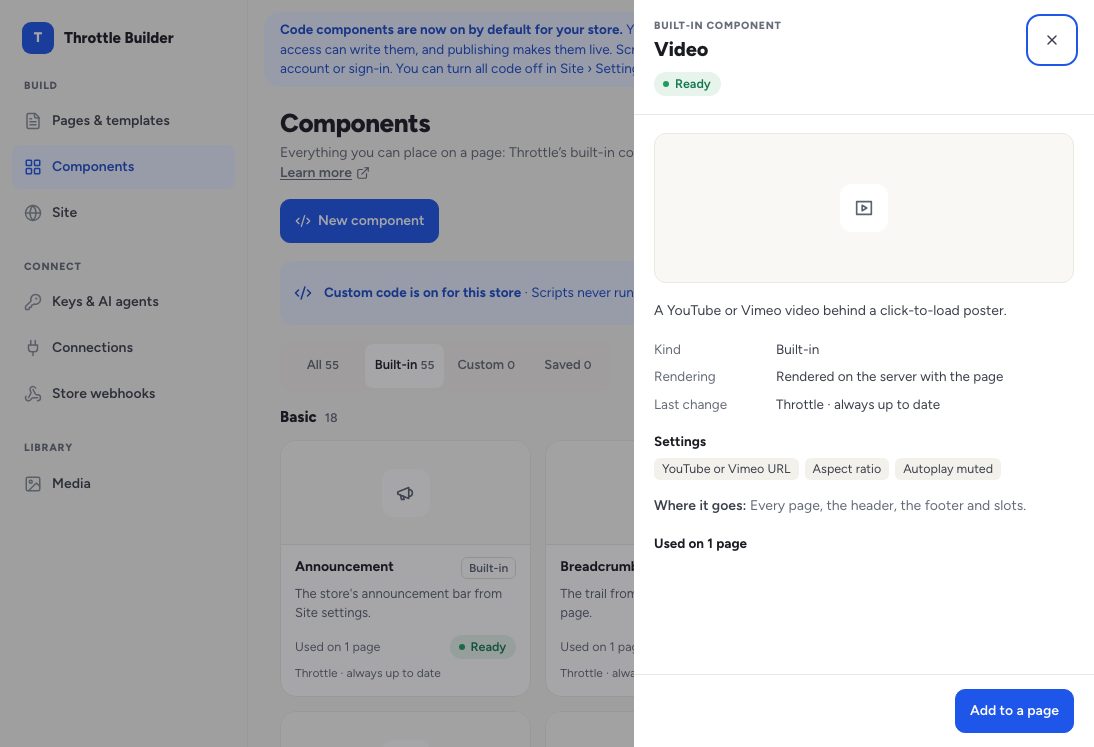
What it is for
A YouTube or Vimeo video that loads only when the shopper clicks play. Use it for product demos and brand films.
- Only YouTube and Vimeo links over https are accepted.
- Fill in Title, Poster image, Upload date and Description when the video matters for search.
Where you can use it
On any page, template, saved section, header or footer.
In the editor, open the Add tab of the left panel and drag it into a column. Its type is basic.video, version 1.
Options
Content tab
| Option | Key | Allowed values | Default |
|---|---|---|---|
| YouTube or Vimeo URL | url | Text, up to 500 characters. | |
| Autoplay muted | autoplayMuted | On or off. | Off |
| Poster image | poster | An image from the Media library. | Empty |
| Title (play button name, embed title, structured data) | title | Text, up to 120 characters. One value per language. | Empty |
| Description (structured data) | description | Text, up to 500 characters. One value per language. | Empty |
| Upload date (structured data) | uploadDate | Text, up to 25 characters. |
Style tab
| Option | Key | Allowed values | Default |
|---|---|---|---|
| Aspect ratio | ratio | 16:9 (16:9), 4:3 (4:3), 1:1 (1:1), 9:16 (9:16). | 16:9 (16:9) |
Advanced tab
| Option | Key | Allowed values | Default |
|---|---|---|---|
| Load the poster first (above the fold) | priority | On or off. | Off |
Every component also has the common options: Hide, Anchor, Space above, Space below, Entrance animation and Entrance delay.
Responsive behaviour
Every option can be set again for tablet (768 to 1024 px) and phone (767 px and below): switch the device at the top of the editor and change it there. Tablet starts from the desktop value and phone from the tablet value, so you only set what differs.
The video keeps the picture shape you choose (16:9, 4:3, 1:1 or 9:16) and scales with its column.
SEO and accessibility
The page holds a play button, not the video. Nothing is requested from YouTube or Vimeo, and no cookies are set, until the shopper clicks; then the player loads from youtube-nocookie.com or player.vimeo.com. The Poster image is drawn in place of the video (turn on "Load the poster first (above the fold)" to load it eagerly with high fetch priority). The Title names the play button and the player. The video itself is not in the HTML, so describe it in text next to it. The component writes VideoObject structured data (JSON-LD) only when it has a Title, a Poster image and a valid Upload date (a date such as 2026-03-14, or a date with a time and offset such as 2026-03-14T09:00:00Z); the Description is added when set, and the embed address is the player address without any query. Without all three, no structured data is written.
With an AI agent
An agent adds it with add_widget and changes its options with update_node, using the keys above. See the MCP tool reference.
{
  "type": "basic.video",
  "v": 1,
  "props": {}
}@usethrottle/builder-schema 0.4.2 and @usethrottle/storefront-react 0.4.5.