Verify email banner
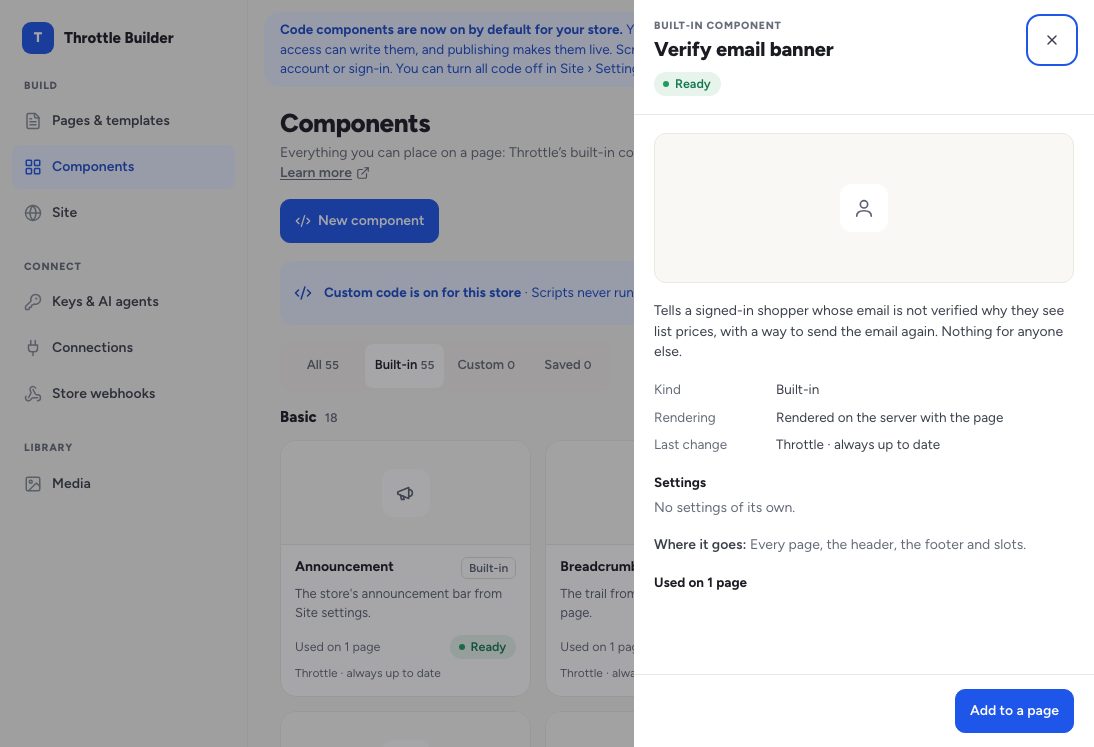
Tells a signed-in shopper whose email is not verified why they see list prices, with a way to send the email again. Nothing for anyone else.
What it is for
Tells a signed-in shopper whose email is not verified why they see list prices, with a button to send the email again.
Where you can use it
On any page, template, saved section, header or footer.
In the editor, open the Add tab of the left panel and drag it into a column. Its type is commerce.verify-banner, version 1.
Options
This component has no options of its own beyond the ones every component has.
Every component also has the common options: Hide, Anchor, Space above, Space below, Entrance animation and Entrance delay.
Responsive behaviour
Every option can be set again for tablet (768 to 1024 px) and phone (767 px and below): switch the device at the top of the editor and change it there. Tablet starts from the desktop value and phone from the tablet value, so you only set what differs.
It follows the width of its column.
SEO and accessibility
It draws nothing for anyone else and nothing on the server, because the shopper is known only in the browser.
With an AI agent
An agent adds it with add_widget and changes its options with update_node, using the keys above. See the MCP tool reference.
{
  "type": "commerce.verify-banner",
  "v": 1,
  "props": {}
}@usethrottle/builder-schema 0.4.2 and @usethrottle/storefront-react 0.4.5.