Social links
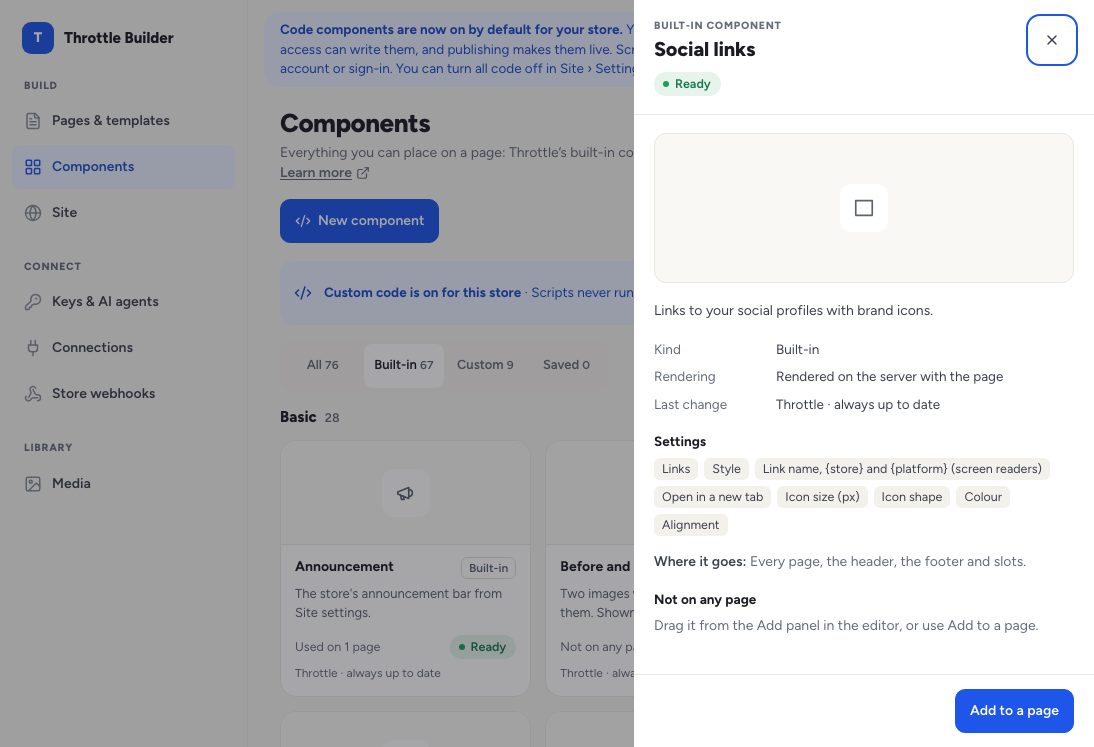
Links to your social profiles with brand icons.
What it is for
Links to your social profiles with brand icons: Instagram, Facebook, X, TikTok, YouTube, Pinterest, LinkedIn, Threads, WhatsApp, email or a custom link. Up to 15 links.
Where you can use it
On any page, template, saved section, header or footer.
In the editor, open the Add tab of the left panel and drag it into a column. Its type is basic.social-links, version 1.
Options
Content tab
| Option | Key | Allowed values | Default |
|---|---|---|---|
| Links | links | A list of up to 15 items; each item has the fields below. | No items |
| Style | style | Icon (icon), Icon label (icon-label), Label (label). | Icon (icon) |
| Link name, {store} and {platform} (screen readers) | nameTemplate | Text, up to 100 characters. One value per language. | “{store} on {platform}” |
| Open in a new tab | newTab | On or off. | On |
| Icon shape | shape | None (none), Circle (circle), Square (square). | None (none) |
Style tab
| Option | Key | Allowed values | Default |
|---|---|---|---|
| Icon size (px) | iconSize | A number from 16 to 48. | 24 |
| Colour | color | A theme colour (token:name) or a hex colour (#rrggbb or #rrggbbaa). | Empty |
| Alignment | align | Left, center, right or justify. | left |
Fields of each item in Links
| Field | Key | Allowed values | Default |
|---|---|---|---|
| Platform | platform | Instagram (instagram), Facebook (facebook), X (x), Tiktok (tiktok), Youtube (youtube), Pinterest (pinterest), Linkedin (linkedin), Threads (threads), Whatsapp (whatsapp), Email (email), Custom (custom). | Instagram (instagram) |
| Address (https link, or an email address) | url | Text, up to 500 characters. | |
| Label (optional) | label | Text, up to 60 characters. One value per language. | Empty |
Every component also has the common options: Hide, Anchor, Space above, Space below, Entrance animation and Entrance delay.
Responsive behaviour
Every option can be set again for tablet (768 to 1024 px) and phone (767 px and below): switch the device at the top of the editor and change it there. Tablet starts from the desktop value and phone from the tablet value, so you only set what differs.
Alignment can be set per device. The links wrap on a narrow screen.
SEO and accessibility
It is a list of real links written on the server. Web links must be https (a custom link may also be a path on your own site); an email link takes an address and becomes a mailto link, and WhatsApp takes a phone number or an https link. A link whose address is not accepted is not drawn. When the visible text differs from it, a link gets the accessible name "Store on Platform" (you can change that wording) or your own label; without a store name, or for a custom link, it is just the platform name. Web links carry rel "me noopener", and open in a new tab when Open in a new tab is on (the default).
With an AI agent
An agent adds it with add_widget and changes its options with update_node, using the keys above. See the MCP tool reference.
{
  "type": "basic.social-links",
  "v": 1,
  "props": {}
}@usethrottle/builder-schema 0.4.2 and @usethrottle/storefront-react 0.4.5.