Rich content
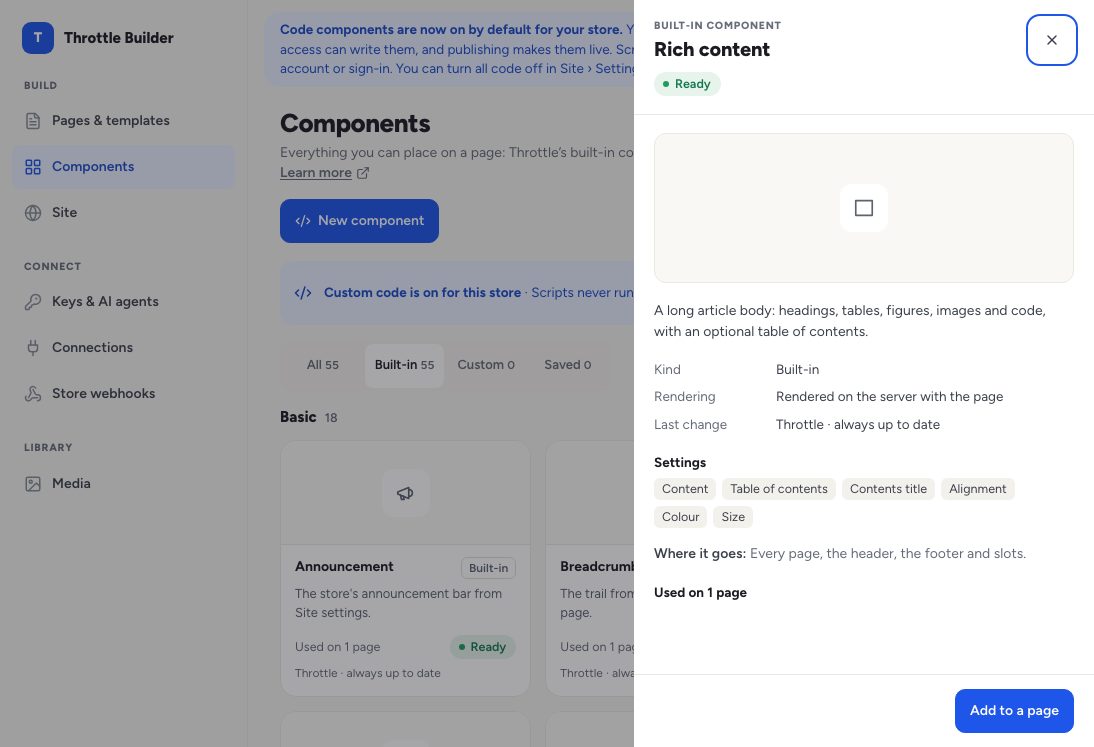
A long article body: headings, tables, figures, images and code, with an optional table of contents.
What it is for
Long-form content such as a blog article or a policy page, with headings, lists, images, tables and links, and an optional table of contents.
Where you can use it
On any page, template, saved section, header or footer.
In the editor, open the Add tab of the left panel and drag it into a column. Its type is basic.rich-content, version 1.
Options
Content tab
| Option | Key | Allowed values | Default |
|---|---|---|---|
| Content | html | Formatted text, up to 20,000 characters. One value per language. | “<p>Write something here.</p>” |
| Table of contents | toc | On or off. | Off |
| Contents title | tocTitle | Text, up to 100 characters. One value per language. | “Contents” |
Style tab
| Option | Key | Allowed values | Default |
|---|---|---|---|
| Alignment | align | Left, center, right or justify. | left |
| Colour | color | A theme colour (token:name) or a hex colour (#rrggbb or #rrggbbaa). | Empty |
| Size | size | xs, s, m, l, xl, 2xl, 3xl, or 8 to 200 px. | m |
Every component also has the common options: Hide, Anchor, Space above, Space below, Entrance animation and Entrance delay.
Responsive behaviour
Every option can be set again for tablet (768 to 1024 px) and phone (767 px and below): switch the device at the top of the editor and change it there. Tablet starts from the desktop value and phone from the tablet value, so you only set what differs.
The content wraps inside its column. Alignment and size can be set differently on tablet and phone.
SEO and accessibility
The cleaned content is written as HTML on the server. H2 and H3 headings get an id, and the optional table of contents is a nav element of links to them. Links inside are real a tags.
With an AI agent
An agent adds it with add_widget and changes its options with update_node, using the keys above. See the MCP tool reference.
{
  "type": "basic.rich-content",
  "v": 1,
  "props": {}
}@usethrottle/builder-schema 0.4.2 and @usethrottle/storefront-react 0.4.5.