Newsletter signup
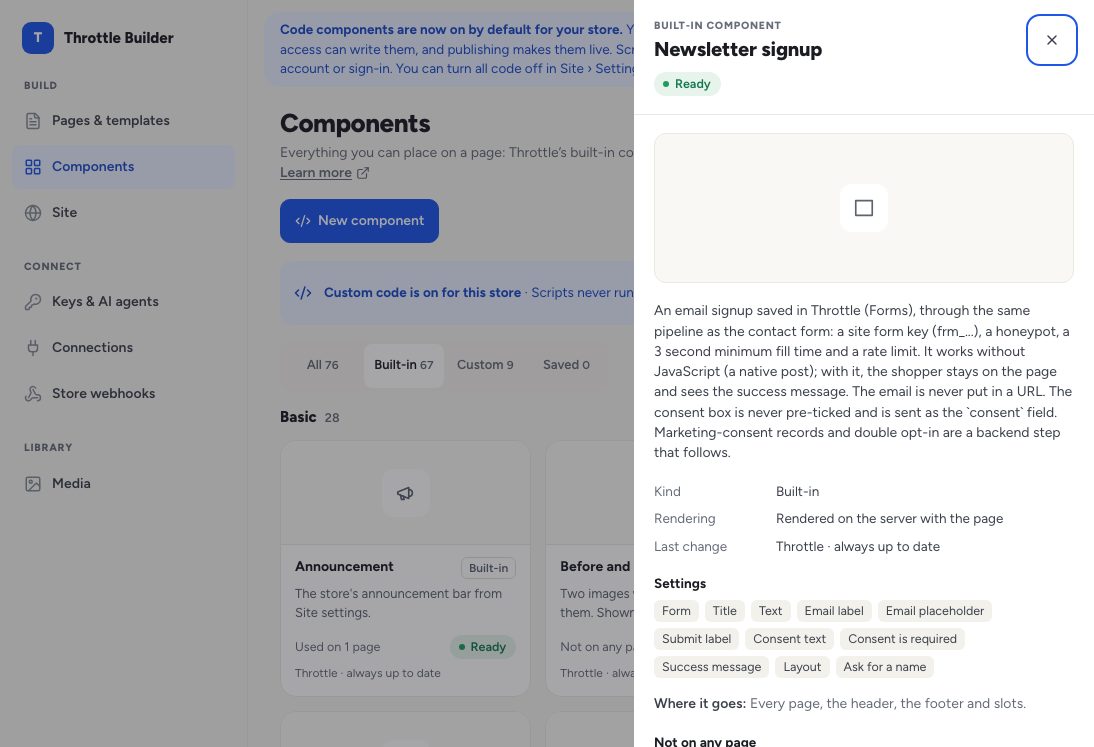
An email signup saved in Throttle (Forms), through the same pipeline as the contact form: a site form key (frm_...), a honeypot, a 3 second minimum fill time and a rate limit. It works without JavaScript (a native post); with it, the shopper stays on the page and sees the success message. The email is never put in a URL. The consent box is never pre-ticked and is sent as the `consent` field. Marketing-consent records and double opt-in are a backend step that follows.
What it is for
An email signup whose submissions are saved in Throttle through a site form, like the contact form. Use it in a footer, a section above the footer or on a landing page.
- It needs a site form (Form setting); without one it draws nothing on the live page and shows a note in the editor. "Consent is required" is on by default and "Ask for a name" is off.
- The consent box is sent with the signup. Saving it as a marketing-consent record and double opt-in are not part of this component yet.
Where you can use it
On any page, template, saved section, header or footer.
In the editor, open the Add tab of the left panel and drag it into a column. Its type is commerce.newsletter-signup, version 1.
Options
Content tab
| Option | Key | Allowed values | Default |
|---|---|---|---|
| Form | form | Text, up to 64 characters. | Empty |
| Title | title | Text, up to 100 characters. One value per language. | Empty |
| Text | text | Formatted text, up to 1,000 characters. One value per language. | Empty |
| Email label | emailLabel | Text, up to 100 characters. One value per language. | Empty |
| Email placeholder | placeholder | Text, up to 100 characters. One value per language. | Empty |
| Submit label | submitLabel | Text, up to 60 characters. One value per language. | Empty |
| Consent text | consentLabel | Text, up to 300 characters. One value per language. | Empty |
| Consent is required | consentRequired | On or off. | On |
| Success message | successMessage | Formatted text, up to 2,000 characters. One value per language. | Empty |
| Ask for a name | showName | On or off. | Off |
Style tab
| Option | Key | Allowed values | Default |
|---|---|---|---|
| Layout | layout | Stacked (stacked), Inline (inline). | Stacked (stacked) |
Every component also has the common options: Hide, Anchor, Space above, Space below, Entrance animation and Entrance delay.
Responsive behaviour
Every option can be set again for tablet (768 to 1024 px) and phone (767 px and below): switch the device at the top of the editor and change it there. Tablet starts from the desktop value and phone from the tablet value, so you only set what differs.
The fields stack in one column; the inline layout puts the email field and the button on one row where there is room and wraps on a phone.
SEO and accessibility
The server writes a real form that posts to Throttle, so it works without JavaScript, and the email never appears in a URL. The email field has a visible label, the consent box is never pre-ticked, and a hidden trap field catches spam bots. With JavaScript the shopper stays on the page and sees the success message; the submit button is locked for the first 3 seconds after the page loads.
With an AI agent
An agent adds it with add_widget and changes its options with update_node, using the keys above. See the MCP tool reference.
{
  "type": "commerce.newsletter-signup",
  "v": 1,
  "props": {}
}@usethrottle/builder-schema 0.4.2 and @usethrottle/storefront-react 0.4.5.