Map
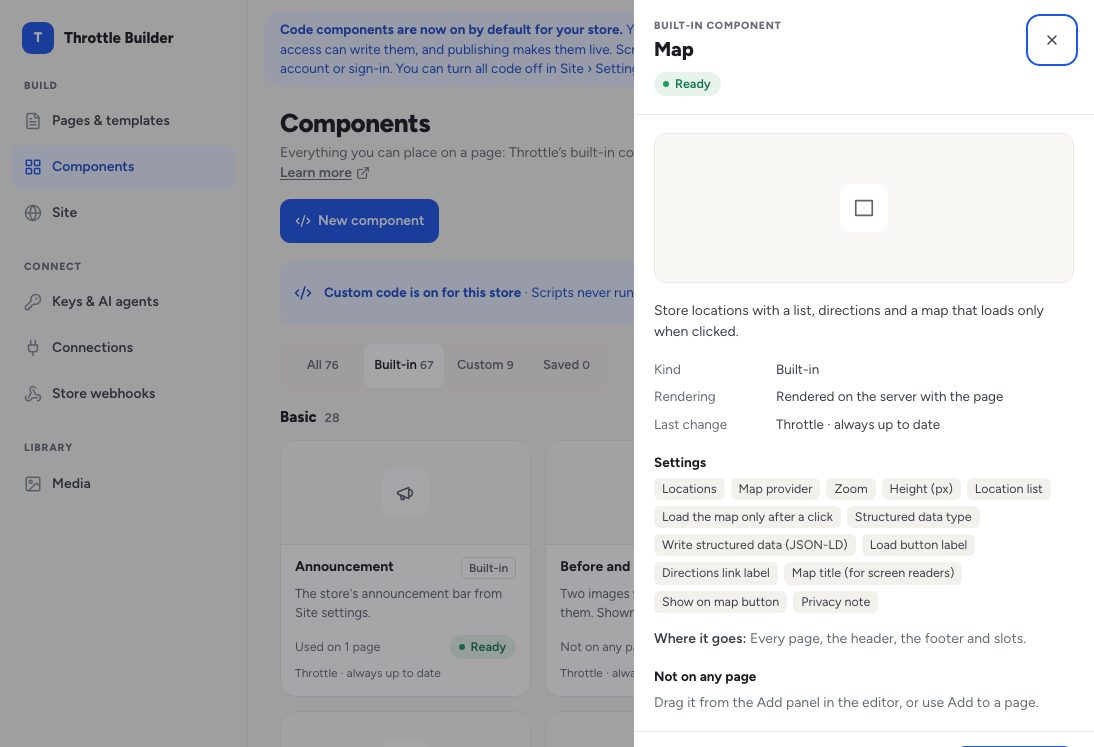
Store locations with a list, directions and a map that loads only when clicked.
What it is for
Store locations with address, hours, phone and a directions link, plus a map that loads only when the shopper clicks.
Where you can use it
On any page, template, saved section, header or footer.
In the editor, open the Add tab of the left panel and drag it into a column. Its type is basic.map, version 1.
Options
Content tab
| Option | Key | Allowed values | Default |
|---|---|---|---|
| Locations | locations | A list of up to 20 items; each item has the fields below. | No items |
| Map provider | provider | Openstreetmap (openstreetmap), Google (google). | Openstreetmap (openstreetmap) |
| Zoom | zoom | A number from 3 to 18. | 14 |
| Location list | showList | Below (below), Beside (beside), Hidden (hidden). | Below (below) |
| Load the map only after a click | consentRequired | On or off. | On |
| Structured data type | schemaType | LocalBusiness (LocalBusiness), Store (Store). | LocalBusiness (LocalBusiness) |
| Write structured data (JSON-LD) | jsonLd | On or off. | Off |
| Load button label | loadLabel | Text, up to 80 characters. One value per language. | “Load interactive map” |
| Directions link label | directionsLabel | Text, up to 80 characters. One value per language. | “Get directions” |
| Map title (for screen readers) | mapTitle | Text, up to 80 characters. One value per language. | “Map” |
| Show on map button | showLabel | Text, up to 60 characters. One value per language. | “Show on map” |
| Privacy note | privacyNote | Text, up to 200 characters. One value per language. | “Loading the map shares your IP address with the map provider.” |
Style tab
| Option | Key | Allowed values | Default |
|---|---|---|---|
| Height (px) | height | A number from 200 to 800. | 400 |
Fields of each item in Locations
| Field | Key | Allowed values | Default |
|---|---|---|---|
| Name | name | Text, up to 120 characters. One value per language. | Empty |
| Address | address | Text, up to 300 characters. One value per language. | Empty |
| Latitude | lat | A number from -90 to 90. | Empty |
| Longitude | lng | A number from -180 to 180. | Empty |
| Opening hours (Mon-Fri 09:00-17:00; Sat 10:00-14:00) | hours | Text, up to 300 characters. One value per language. | Empty |
| Phone | phone | Text, up to 60 characters. One value per language. | Empty |
| Link | link | A link to a page, product, collection, category, a search, or a web address. | Empty |
Every component also has the common options: Hide, Anchor, Space above, Space below, Entrance animation and Entrance delay.
Responsive behaviour
Every option can be set again for tablet (768 to 1024 px) and phone (767 px and below): switch the device at the top of the editor and change it there. Tablet starts from the desktop value and phone from the tablet value, so you only set what differs.
The map height (200 to 800 px) is reserved on every device. The location list sits below or beside the map, and stacks on a phone.
SEO and accessibility
Addresses, hours and phone numbers are real text on the server. Structured data is off by default: turn on "Write structured data (JSON-LD)" and each location that has a name and an address writes LocalBusiness (or Store, by Structured data type) with its coordinates, the opening hours it can read (for example "Mon-Fri 09:00-17:00; Sat 10:00-14:00"; a group it cannot read is left out) and telephone. With "Load the map only after a click" on (the default) no request goes to the map provider until the shopper clicks; turn it off and the map loads with the page. Only locations with a latitude and longitude appear on the map.
With an AI agent
An agent adds it with add_widget and changes its options with update_node, using the keys above. See the MCP tool reference.
{
  "type": "basic.map",
  "v": 1,
  "props": {}
}@usethrottle/builder-schema 0.4.2 and @usethrottle/storefront-react 0.4.5.