Language switch
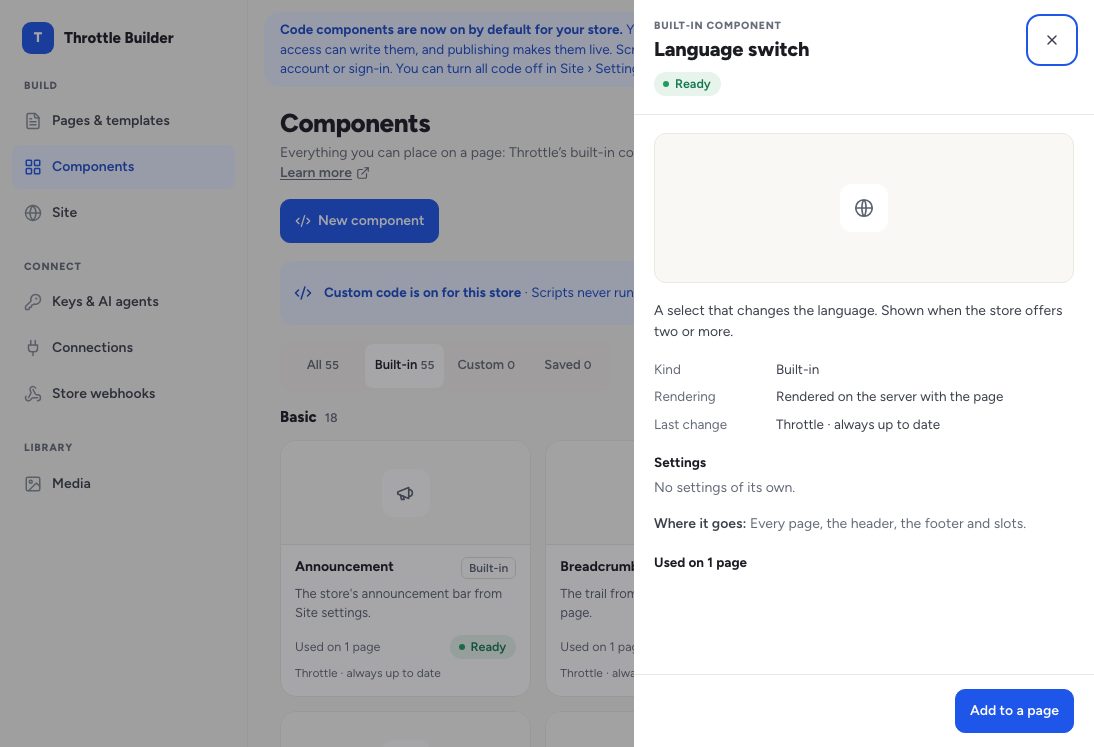
A select that changes the language. Shown when the store offers two or more.
What it is for
A language select that appears when the store offers two or more languages.
Where you can use it
- Available only when Product Catalog is installed; the Components library lists it but disabled otherwise.
In the editor, open the Add tab of the left panel and drag it into a column. Its type is catalog.locale-switch, version 1.
Options
This component has no options of its own beyond the ones every component has.
Every component also has the common options: Hide, Anchor, Space above, Space below, Entrance animation and Entrance delay.
Responsive behaviour
Every option can be set again for tablet (768 to 1024 px) and phone (767 px and below): switch the device at the top of the editor and change it there. Tablet starts from the desktop value and phone from the tablet value, so you only set what differs.
It follows the width of its column.
SEO and accessibility
It is a labelled select drawn only when the store has at least two languages. It writes no links, so it does not create language URLs for search engines.
With an AI agent
An agent adds it with add_widget and changes its options with update_node, using the keys above. See the MCP tool reference.
{
  "type": "catalog.locale-switch",
  "v": 1,
  "props": {}
}@usethrottle/builder-schema 0.4.2 and @usethrottle/storefront-react 0.4.5.